The shelf-edge operating system
The shelf edge,
run like software.
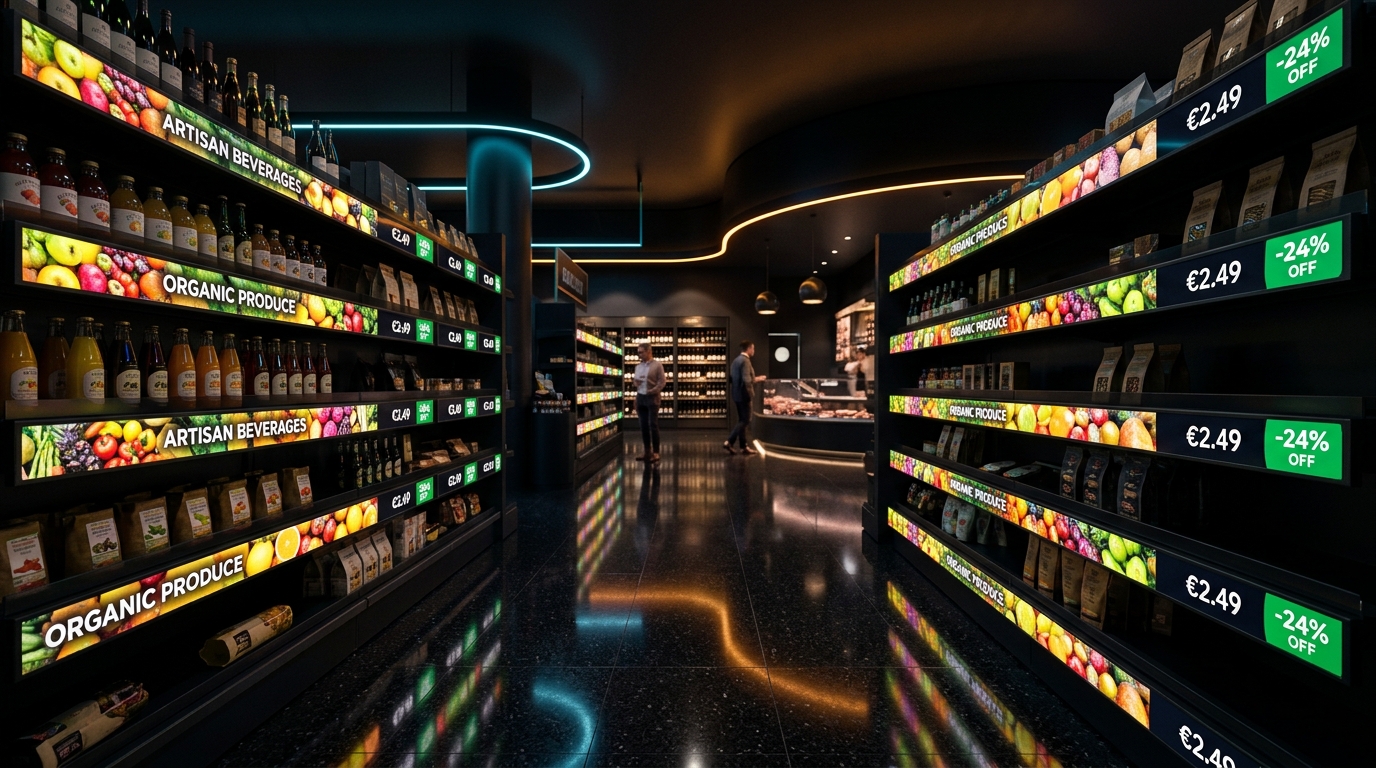
ShelfOS puts certified LED displays on every shelf and runs two businesses on them: a retail media network you can sell, and prices you can prove. One console, governed AI, and evidence from every screen.
- Media and price share every bar
- 65 / 35
- Of the price zone an ad can cover
- 0 px
- Of price history behind every reduction
- 30 days
- Hosted in europe-west4
- EU
One shelf. Two businesses.
Earn from the shelf edge without ever putting the price at risk.
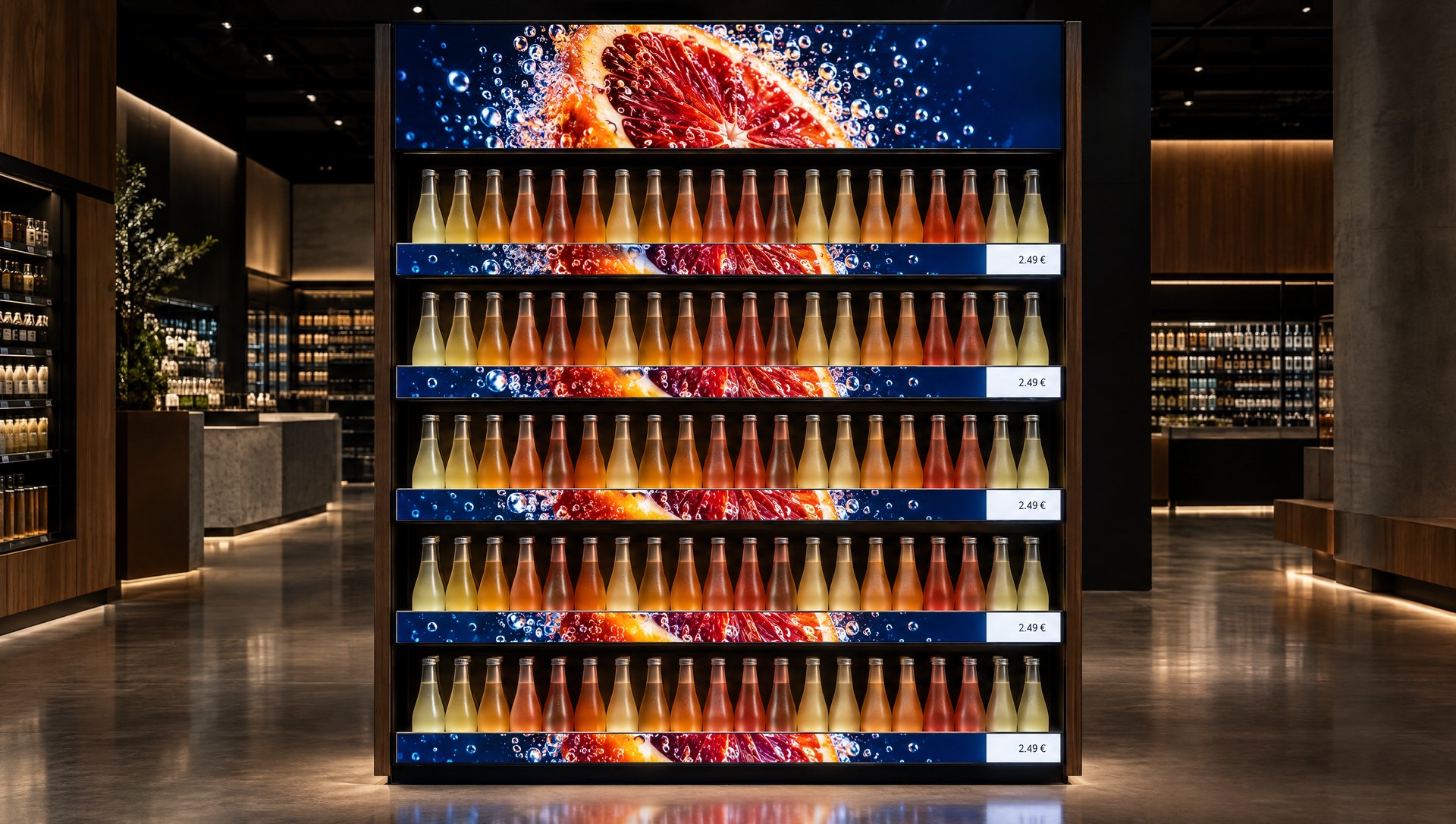
Most retailers choose between screens that sell and labels that comply. ShelfOS does both on the same bar, with the price zone reserved in the player itself.
ShelfOS Media · Retail media network
Sell the last metre before the basket.Package shelf-edge screens by aisle, category and daypart. Brands get placements next to their product; you get proof of every play.- Inventory by bay, rail and daypart
- Creative checked against safe zones before it ships
- Proof of play from every screen
PricingOS · Price integrity
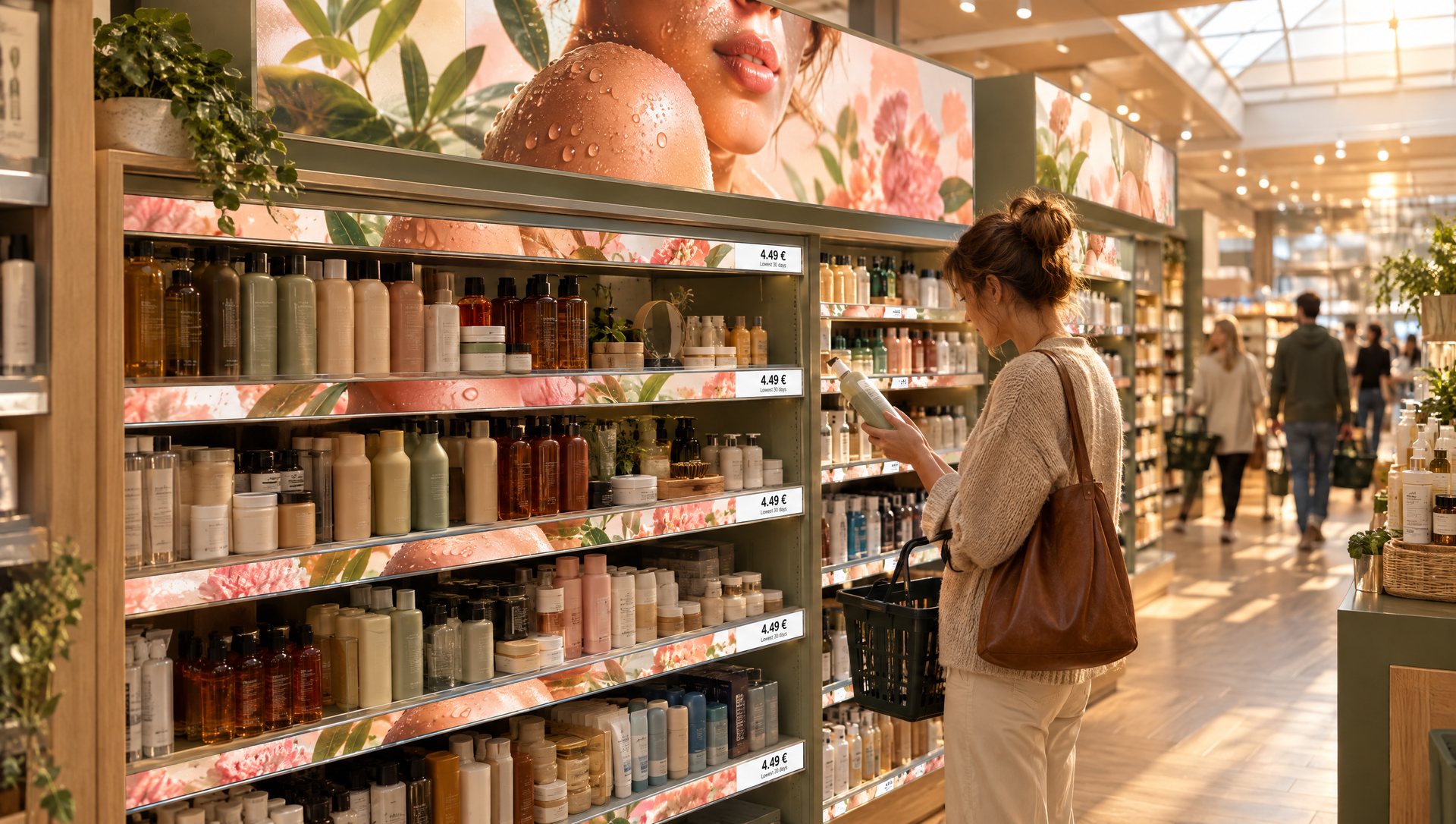
The price in your ERP is the price on the shelf.Price changes flow from ERP to every screen, are checked against your rules and Omnibus history, and come back with proof of what was shown.- 30-day lowest price calculated for every reduction
- Price zone that media can never cover
- Render proof stored as audit evidence
How it works
From a price change in the ERP to proof on the shelf.
The same four steps carry a campaign, a price change or a markdown — so every change on every screen has an owner, an approval and a record.
- 01
Connect
Prices arrive from your ERP or POS by webhook or signed file. Campaigns arrive from your team and your brand partners.
- 02
Decide
Rules check every change. Agents propose the rest, with evidence. A person with the right role approves.
- 03
Deliver
Approved changes ship as signed packages to the right bays. Screens share files over the store LAN and keep playing offline.
- 04
Prove
Every screen reports what it played and the price it rendered, so reporting and audits come from the shelf, not a spreadsheet.
Hardware
Built for the aisle, not the boardroom.
Two certified platforms cover the shelf edge and the big-impact spots. Both run the same agent, update the same way and report to the same console.
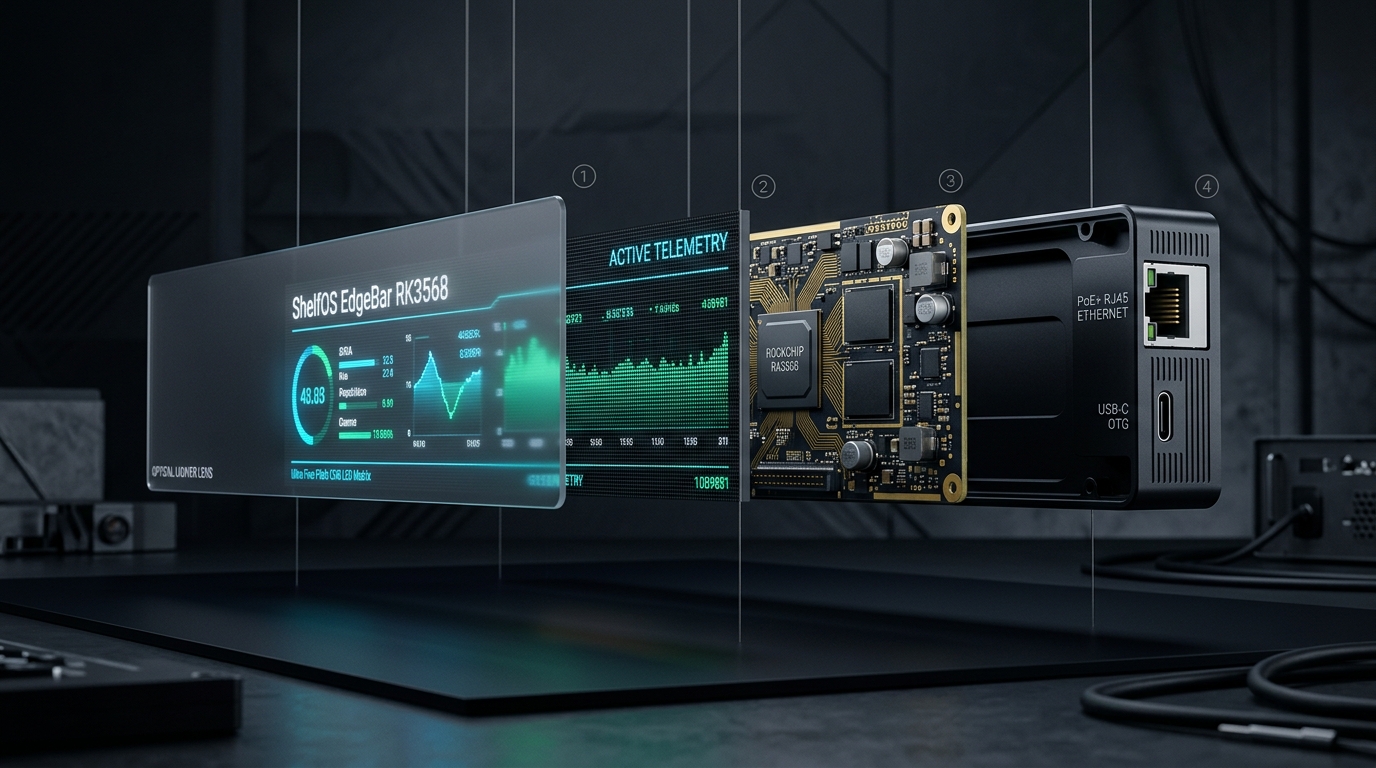 Shelf-edge LED barEdgeBar RK3568A slim LED bar that sits on the shelf rail and runs media and price side by side, with the price zone reserved in the player itself.Best for: Gondola rails in 60, 90 and 120 cm bays
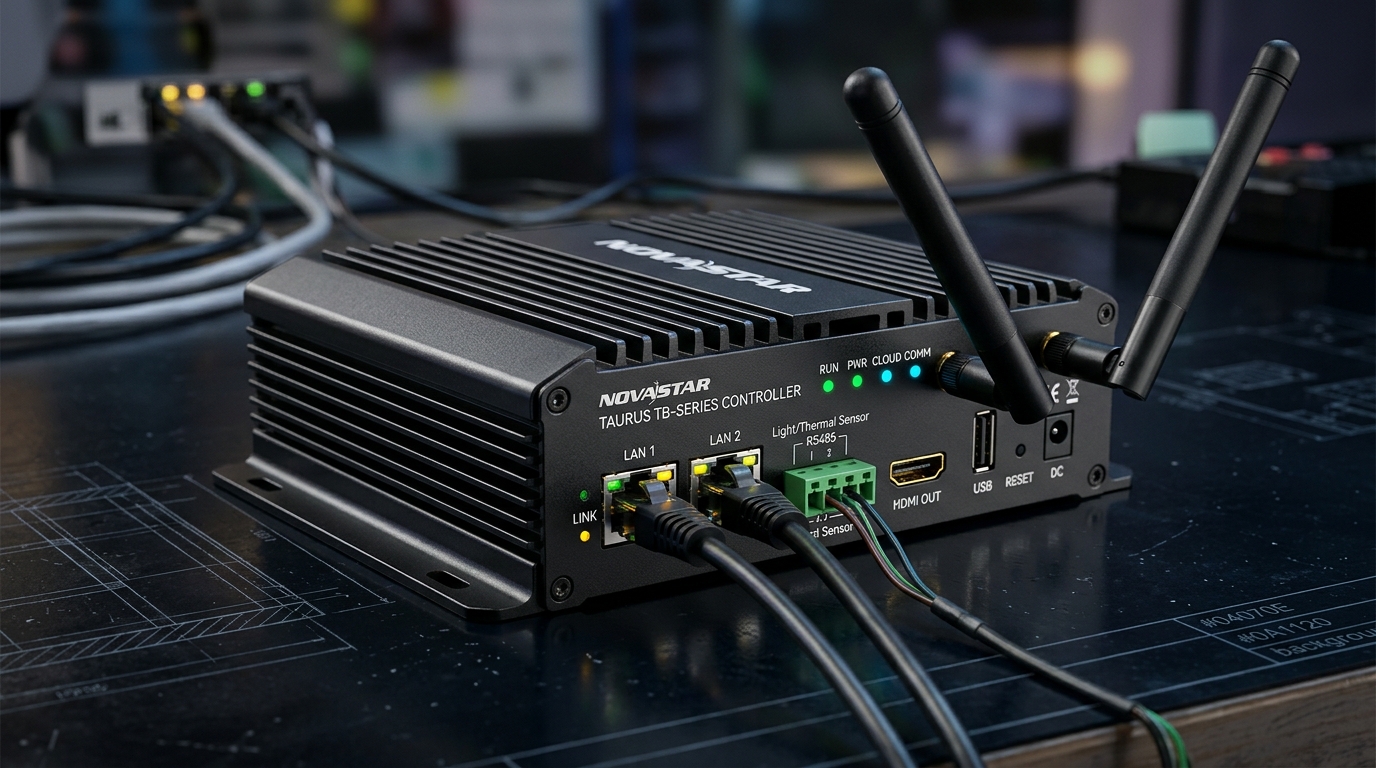 NovaStar Taurus LED controllerTaurus controllerDrives larger LED cabinets for gondola headers, endcaps and fresh canopies, with brightness and cabinet health reported to the console.Best for: Headers, endcaps, fresh perimeter and checkout
Governed AI
Agents that propose. People who approve.
Six specialist agents watch prices, stock, screens and campaigns around the clock. They draft the change and show their evidence; nothing reaches a shelf until someone with the right role approves it.
- Price GuardKeeps shelf prices in line with the POS and Omnibus rules.
- Fleet WatchWatches device health, clocks and content drift across the estate.
- MarkdownTracks shelf life on perishables.
- Creative QAChecks every creative before it reaches a screen.
- PlanogramUnderstands where every rail sits in the Store Twin.
- YieldBalances campaigns, price changes and conflicts on each bay.
For every team at the shelf
One system. Four teams who stop arguing about the shelf.
Trust
Built to pass your security review.
Thousands of connected screens are thousands of endpoints. ShelfOS treats each one as an identity to verify, not a TV to plug in.
A certificate per device
Every screen has its own identity and talks to the cloud over mutual TLS.
Signed, in order
Content and releases are signed; screens reject anything unsigned or older than what they run.
Role-scoped access
Operators see and change only their tenant or store, by permission.
Hosted in the EU
Data and services run on Google Cloud in the Netherlands.
Questions
Straight answers.
What is ShelfOS?
ShelfOS is an operating system for the retail shelf edge: certified LED hardware, a cloud console and governed AI agents. It runs two products on the same screens — ShelfOS Media for retail media and PricingOS for price integrity.
Can an advertisement ever cover the price?
No. On EdgeBar the price zone is reserved by the on-screen player, not by the creative. A full-width video is clipped to the media zone, so the price, unit price and 30-day lowest price stay visible.
How does PricingOS help with the EU Omnibus Directive?
When you announce a price reduction, Article 6a of Directive 98/6/EC (as amended by Directive (EU) 2019/2161) requires the prior price to be the lowest price of the last 30 days. PricingOS keeps that history per product and store, calculates the reference price for each reduction, and records what each screen showed. Your legal team decides policy; PricingOS gives them the evidence.
Which ERP and POS systems does it work with?
Anything that can send price changes as a webhook or a signed CSV file. Connector scope for your stack is agreed in the first two weeks of a pilot.
Where is data hosted?
In the EU, on Google Cloud in the Netherlands (europe-west4).
What does a pilot look like?
One to three stores, typically eight to ten weeks: two weeks of discovery and integration, then live operation with agreed success measures. You keep the data and the report.
Start with one store.
A pilot runs on one to three stores for eight to ten weeks, with success measures agreed before the first screen goes up.